Your brand, carried through
Reuse your exact logo, colors, fonts, and visual direction across every slide.
Instagram carousel maker
Turn one topic into a swipe-ready Instagram carousel with your brand kit applied across every slide. Start with the story, refine the details, and export without rebuilding the design by hand.
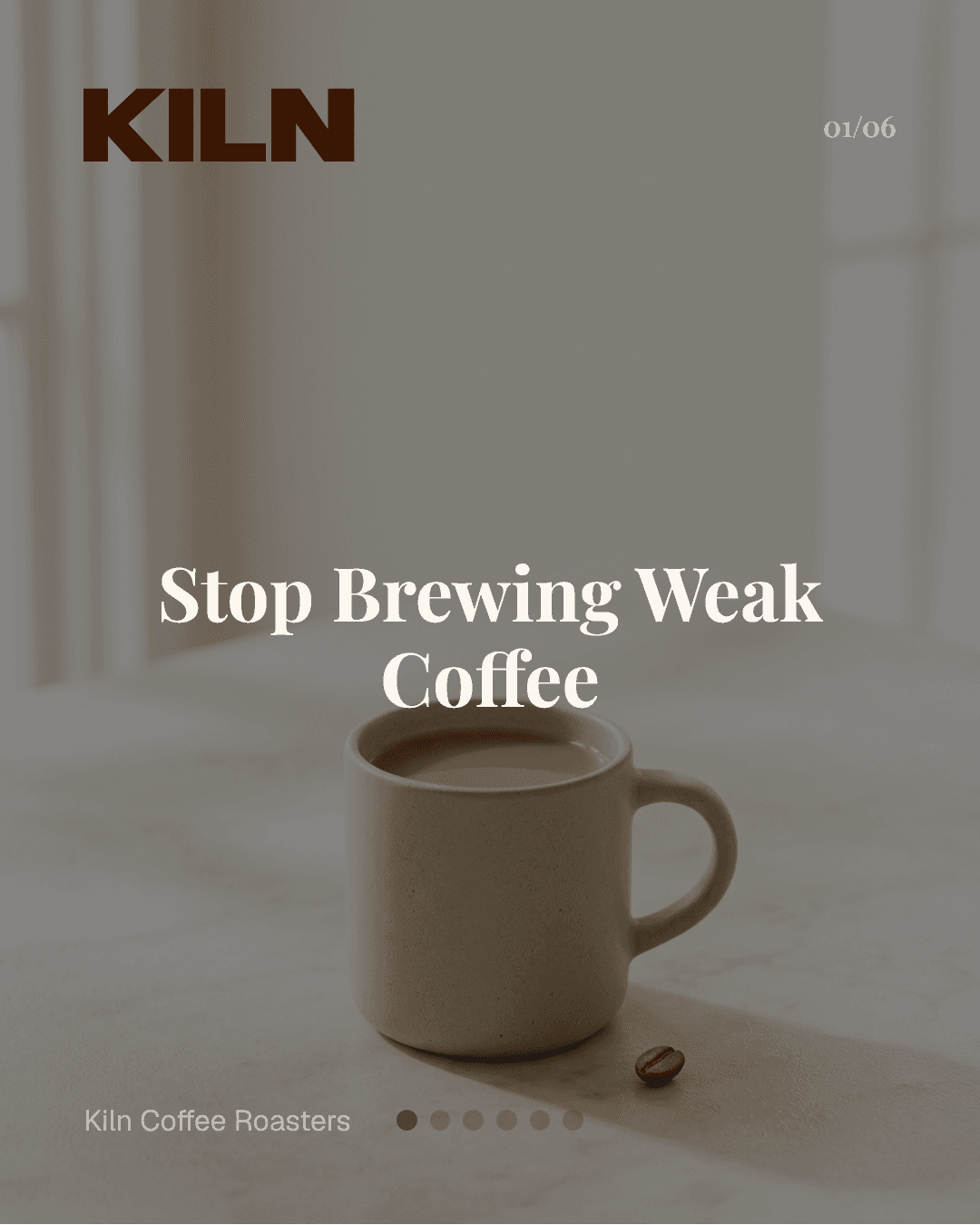
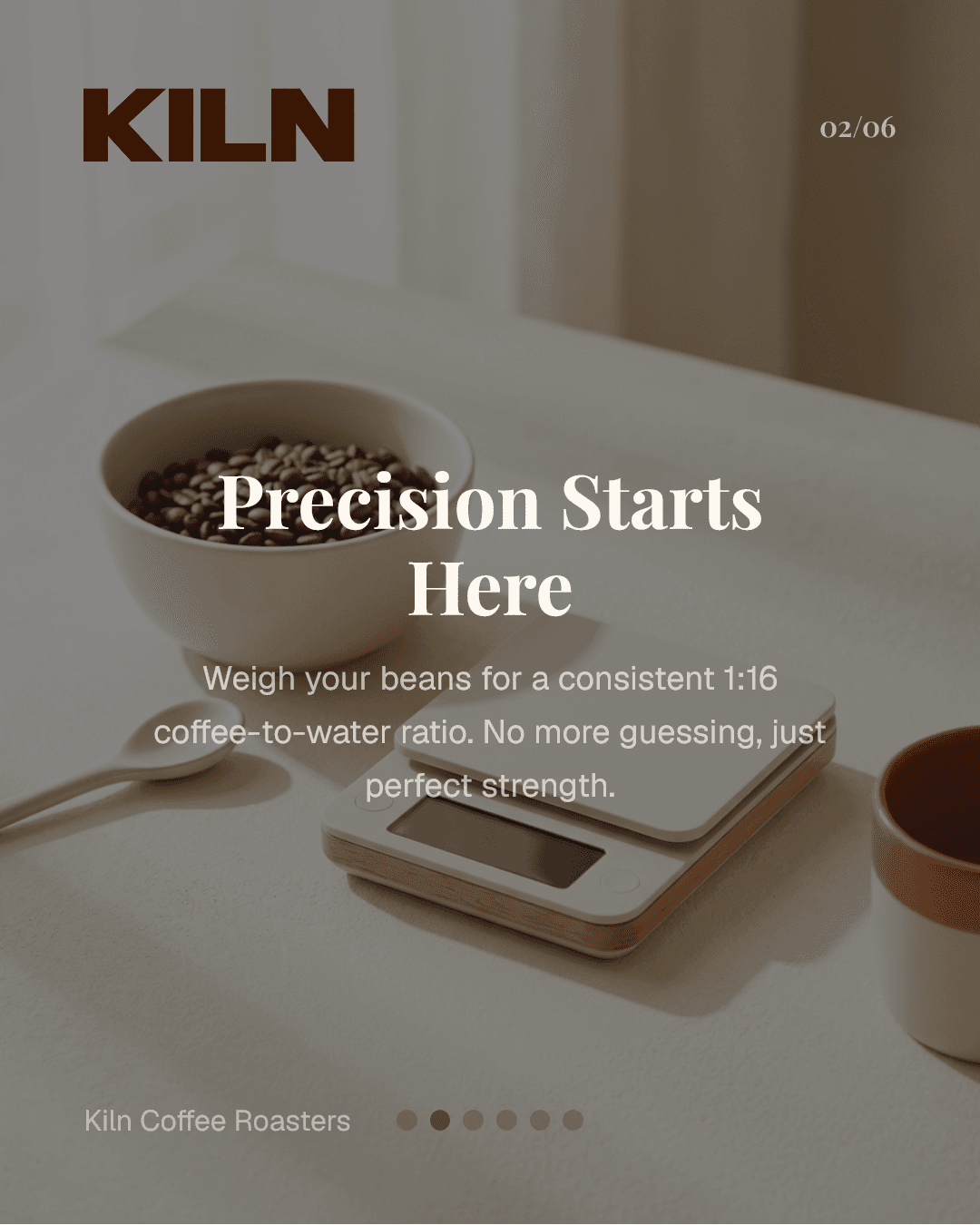
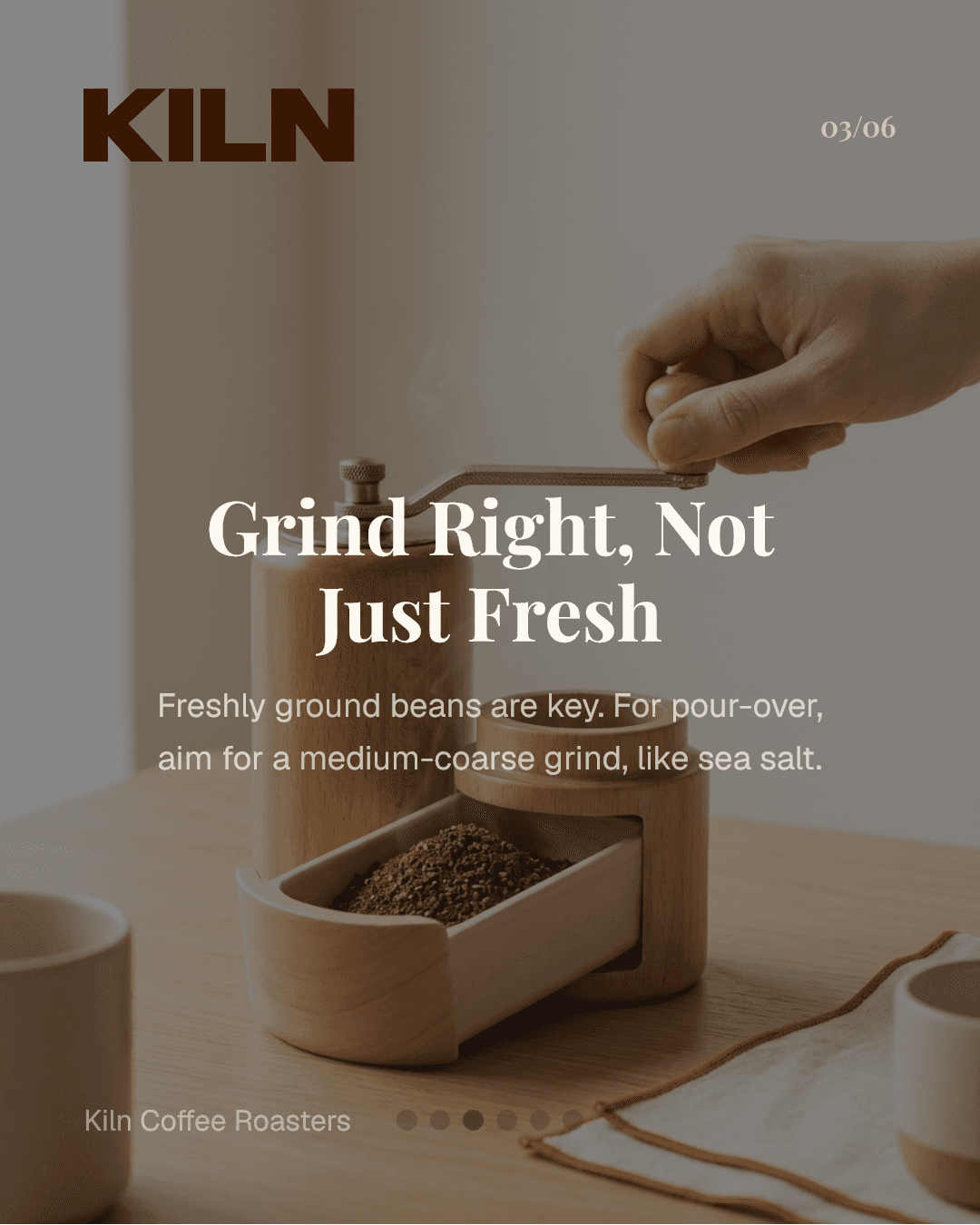
Reuse your exact logo, colors, fonts, and visual direction across every slide.
Start with a topic and let Morphica structure the hook, pacing, and call to action.
Refine individual slides, export at platform-ready dimensions, and keep the workflow repeatable.
Start with a topic and target audience. Morphica then builds slide flow with headline hierarchy and content pacing that fits social scrolling behavior. You can refine copy, keep one message per slide, and preserve visual continuity across the entire deck.
Use aspect ratio controls and style presets to shape output for your feed. For teams and brand-led creators, reusable design settings cut production time and reduce inconsistencies between posts.
Publishing cadence improves when your process is repeatable. Instead of designing each carousel from scratch, you can follow a stable creation system: topic prompt, structure pass, style pass, and export pass.
For feed posts, square 1:1 and portrait 4:5 are the most common options. Morphica supports both aspect ratios so your content stays platform-ready.
Most educational carousels perform well with 5 to 10 slides. Start with a clear hook, keep one idea per slide, and end with a direct call-to-action.
Yes. You can reuse brand identity settings across projects to keep style, typography, and visual tone consistent across every carousel.
Yes. New users can start with free credits and upgrade when they need higher output volume.
You can generate and export slides in formats suitable for posting to Instagram after final review.
Start creating with AI and refine every slide before publishing.