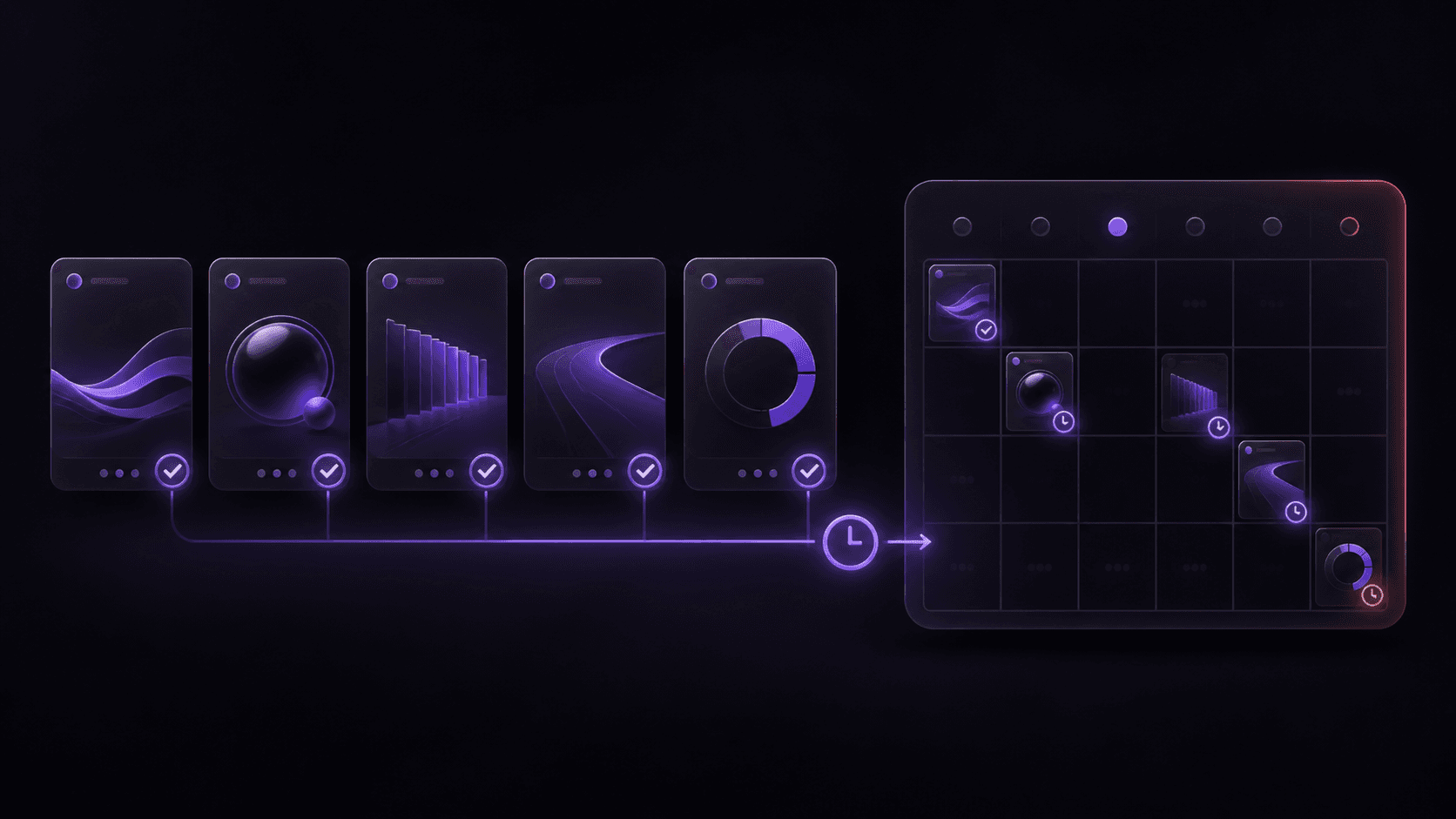
How to Batch Create and Schedule Instagram Carousels
A practical workflow for planning, creating, reviewing, and scheduling a week of Instagram carousels without losing consistency or creating last-minute publishing work.
Creating one Instagram carousel at a time makes every post feel like a new project. You reopen the brand guidelines, decide on a visual direction, write the slides, export the files, and then repeat the same process a few days later.
Batch creation changes the shape of that work. Instead of treating each post as a separate task, you plan several related carousels together, create them with the same brand context, review them as a group, and schedule them across the week.
The result is not just more content. It is a more dependable publishing system with less context switching and fewer last-minute decisions.
This guide explains how to batch create and schedule Instagram carousels while keeping the content useful, varied, and recognizable as one brand.
Why Batch Instagram Carousel Creation Works
The slowest part of social content production is often not generation. It is repeatedly loading the same context:
- What does the brand look like?
- Who is this post for?
- Which format should it use?
- What has already been published?
- What still needs review before it can go live?
Batching lets you answer those questions once for a small group of posts. You can then spend more time on the message and less time rebuilding the workflow around it.
Batching also improves consistency because the posts are visible together. A carousel that looks fine on its own may feel out of place when it sits beside the rest of the week's content.
Plan a One-Week Instagram Carousel Batch
Start with three to five carousels. That is enough to create a useful publishing rhythm without forcing your team to plan too far ahead.
Choose a content theme
Give the batch a common direction, such as:
- A product education week
- A series of practical tips
- A launch or campaign
- Answers to common customer questions
- A set of opinions around one industry topic
The theme creates continuity, but each carousel should still have one distinct job.
Give every carousel one clear outcome
For each post, write down:
- The audience it is for.
- The question or problem it addresses.
- The one idea the viewer should remember.
- The action you want the viewer to take.
Avoid giving every post the same call to action. One carousel can ask people to save a checklist, another can invite them to visit a product page, and another can encourage a reply.
Map the batch before opening the editor
A simple planning table is enough:
| Post | Job | Hook | CTA |
|---|---|---|---|
| 1 | Teach a core concept | The mistake most teams make | Save this framework |
| 2 | Show a process | A faster way to plan content | Try the workflow |
| 3 | Answer an objection | What happens before publishing | Ask a question |
| 4 | Share a point of view | Why more content is not always better | Share your experience |
This prevents the batch from becoming four versions of the same post.
Build the Batch from One Brand System
Before generating the slides, make the persistent parts of the brand available to every post. Your Morphica Brand Kit can hold the visual direction that should carry across the batch:
- Logo and logo treatment
- Primary and secondary colors
- Typography preferences
- Image direction
- Tone of voice
- Audience and positioning
The goal is not to make every carousel identical. It is to keep the underlying decisions stable while the topic, hook, examples, and visual scenes change.
This is especially important when multiple people contribute to the batch. A shared brand context gives everyone the same starting point.
Create the Carousels in a Focused Session
Once the batch is planned, move through each post using the same sequence.
1. Write the hook first
The first slide has to earn the first swipe. Keep it specific and easy to understand without the rest of the carousel.
Weak hook:
Some thoughts about content marketing
Stronger hook:
Your content calendar is not the strategy
The stronger version gives the audience a clear reason to continue.
2. Keep one idea per slide
Carousels work better when each slide has a single role. A typical structure might be:
- Hook
- Context
- The problem
- The first principle
- An example
- The next principle
- A practical checklist
- CTA
The exact slide count can change, but the sequence should feel intentional. Remove slides that repeat a point or exist only because the template has room for them.
3. Vary the content, not the brand
Use different hooks, examples, and layouts where the message benefits from them. Keep the visual anchors stable:
- Logo placement
- Core color relationships
- Type hierarchy
- Spacing and legibility
- Tone of imagery
That balance gives the audience variety without making the feed feel random.
Morphica's carousel workflow lets you create editable slide sequences while keeping the visual direction connected to the same brand context.
Review the Batch as a Grid
Do not approve each carousel only in isolation. Review the full batch together and ask:
Does the week tell a coherent story?
The posts should feel related without repeating the same message. If two carousels have nearly identical hooks, combine them or change one angle.
Does one post dominate the rest?
Look for a single carousel that is much louder, darker, busier, or more promotional than the others. It may need refinement so the sequence feels balanced.
Can the first slides be understood quickly?
Read only the first slide of every post. The topic and value should be clear without opening each deck.
Are the captions doing different work?
Captions should add context rather than repeat the slides word for word. Check that each one has a clear next step and that hashtags are relevant to the post.
Use an Approval Gate Before Scheduling
Scheduling should be the handoff from reviewed content to publishing. Before queueing a batch, confirm:
Content
- Every carousel has one clear message.
- The slide order makes sense.
- The hook and CTA match the caption.
Brand
- The logo is the correct file.
- The visual language is consistent across the batch.
- No slide contains an unsupported claim or unapproved offer.
Format
- The carousels use an Instagram feed ratio: 1:1, 4:5, or 1.91:1.
- Each carousel has no more than 10 slides.
- Every slide has a background image or color.
- The carousels use still slides, since animated backgrounds cannot currently be scheduled.
The approval gate is intentionally short. Its purpose is to catch avoidable problems before scheduling, not to create another full design process.
Schedule the Batch Across the Week
After approval, schedule each carousel for a different time. In Morphica, you can choose the connected Instagram Professional account, edit the caption, select a publishing time, and queue the post from the carousel editor.
The media is rendered and uploaded when you schedule it. That means the queued post is frozen at the approved version; later edits to the source carousel will not change what goes out.
This is useful when your team keeps improving the next batch while the current one is already in the publishing queue.
You can review upcoming posts and publishing history from the Schedule page.
A Simple Weekly Batch Example
Here is one way to turn a single topic into a week's worth of posts:
Monday: Explain the problem
Create a carousel that names the common mistake and shows why it matters.
Tuesday: Teach the framework
Break the solution into a short sequence people can save and revisit.
Thursday: Show the workflow
Use a practical example that demonstrates how the framework works in real work.
Friday: Share a point of view
Take a clear position and invite the audience to respond with their experience.
These posts can share a visual system while serving different purposes. The feed feels connected, but not repetitive.
Mistakes That Make Batching Less Effective
Planning a month of posts without room to adapt
Batching reduces repetitive work, but your content should still respond to what your audience is asking. Start with one week or one campaign rather than locking every idea too far in advance.
Using the same hook structure for every post
Consistency is not repetition. Vary the opening angle: a mistake, a question, a process, an example, or a strong point of view.
Skipping the group review
When posts are approved one by one, the team may miss that the entire batch uses the same visual composition or makes the same promise. Always view them together before scheduling.
Changing the source after scheduling
The scheduled version is frozen at the time of scheduling. If an important correction is needed, cancel the scheduled post and queue the corrected carousel instead of assuming the source edit will be picked up automatically.
Measuring only how many posts were created
The purpose of batching is a better content system, not a larger pile of assets. Track the time per approved post, revision rate, saves, shares, replies, and qualified clicks.
How Morphica Fits into the Batch Workflow
Morphica connects the main steps in one place:
- Add your brand context once.
- Turn a clear topic into an editable carousel.
- Refine the slides and choose the right background images.
- Review the full carousel before publishing.
- Schedule approved still carousels directly to Instagram.
That connection matters because the final publishing step uses the same content that was reviewed. You do not need to export a set of slides, move them between tools, and reconstruct the post from memory.
Start with a Small Batch
The easiest way to test this workflow is to plan three Instagram carousels for the next week:
- Choose one theme.
- Give each post a different job.
- Create them with the same Brand Kit.
- Review the first slides as a group.
- Approve and schedule them at separate times.
After the first batch, compare the time required with your usual process. Keep the parts that reduce rework, adjust the parts that feel too rigid, and expand the batch only when quality remains high.
Batch creation is not about publishing more for its own sake. It is about making consistent, useful Instagram content easier to produce and easier to publish on time.
With Morphica, you can create Instagram carousels, build them from a Brand Kit, and schedule approved posts when they are ready.