Solo marketers and founders
No editing timeline to learn. Describe the reel, read the plan, and let Studio make it.
AI reel maker
Brief Studio the way you would brief a video editor. It writes the hook, the script and a shot list, then storyboards the reel in your brand so you can check it before any video is made. Voice, music, captions and an end card with your logo come with it.
Free to plan. Pay only for what you make.

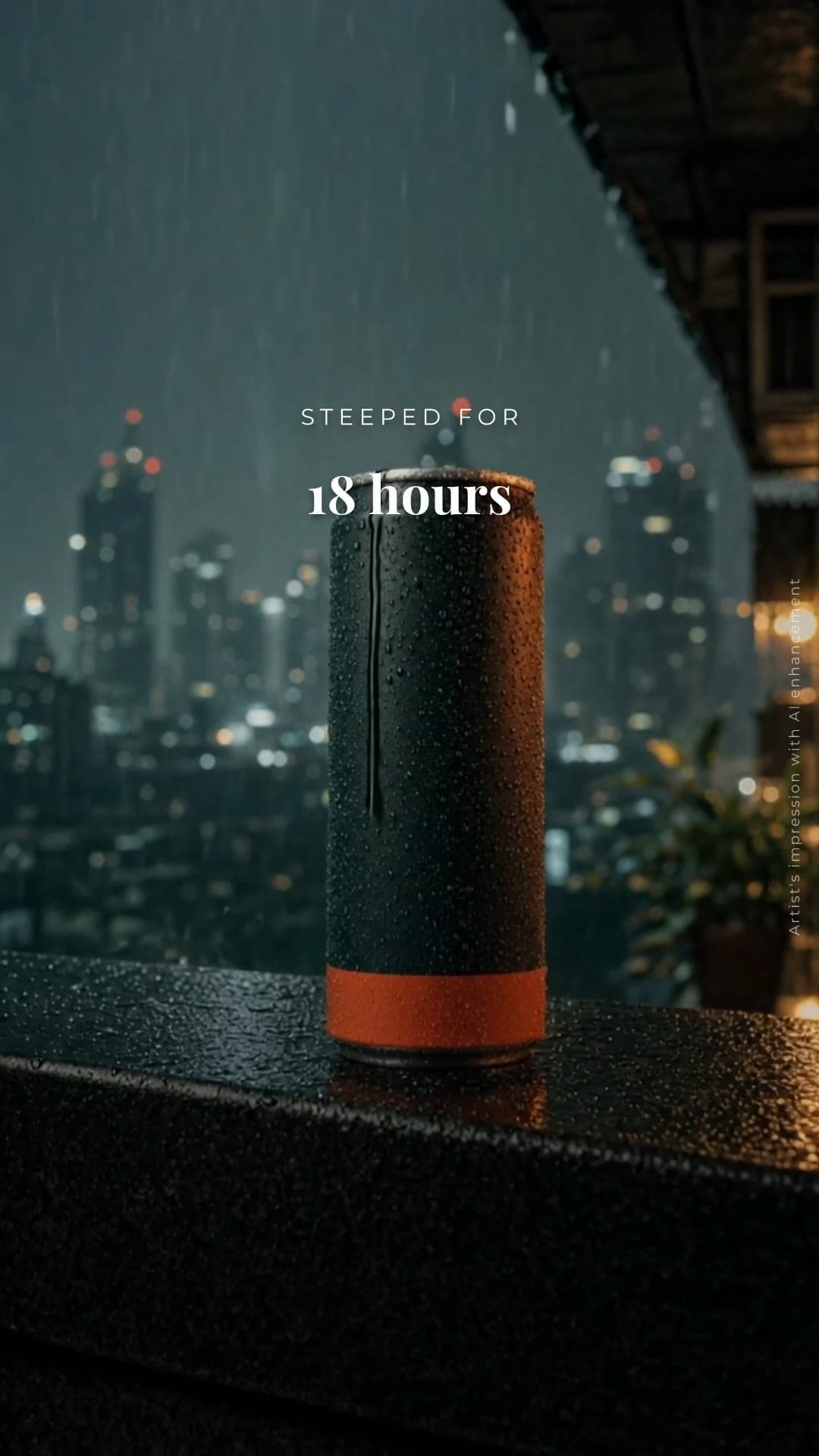

No editing timeline to learn. Describe the reel, read the plan, and let Studio make it.
Plan and make reels for several clients, each on its own brand kit, and schedule them next to the rest of each client's posts.
Turn a product, an offer or a launch into a short reel without a shoot, in the colours and type your customers already know.
Say what the reel is for and how long it should be. Studio comes back with the hook, the script and a shot list.
Each shot has its line, framing, on-screen type and music. Change what you like before anything is made.
Studio makes one still per shot in your brand. The video is made from these, so you see the look first.
The stills move, the voiceover is recorded and the music is cut to it. Check the pacing before you pay for video.
Each shot is animated and the end card is drawn with your logo. If a clip fails, its still is used instead of stopping the reel.
Send it to your Instagram Professional account now, or put it on the schedule with your other posts.
Planning with Studio is free. Making images and reels uses credits, from a monthly plan you can cancel any time or a one-time top-up that never expires.
$12.00 a month
For trying the workflow or an occasional campaign.
150 credits a month (about 75 standard 1K images)
$29.00 a month
For weekly content production.
420 credits a month (about 210 standard 1K images)
$79.00 a month
For agencies and teams running several brands.
1,200 credits a month (about 600 standard 1K images)
Prices in US dollars. See pricing for top-ups and prices in your currency.
15, 30 or 45 seconds. You pick the length in the brief, or Studio suggests one with the plan.
No. Choose a female or male voice, or no voiceover for a music-only reel. The shot list says which music mood the reel uses.
Yes. Studio writes the shot list first: the line, the framing, the type and the music for each shot. Read it, ask for changes, and only then storyboard it.
Each step is priced in credits before you click: the storyboard, the draft and the final reel. Planning is free, so you only pay for the steps you take.
On the end card. Morphica draws it from your brand colour, your exact logo file and two lines of type, so it is never a model's redraw.
Yes. Post it right away or schedule it to a connected Instagram Professional account, alongside your posts and carousels.
Start with the brief above, or write your own.